 Lobby
Lobby  Support
  Casino
SpinBet App Download: Mobile Gaming On Smartphones
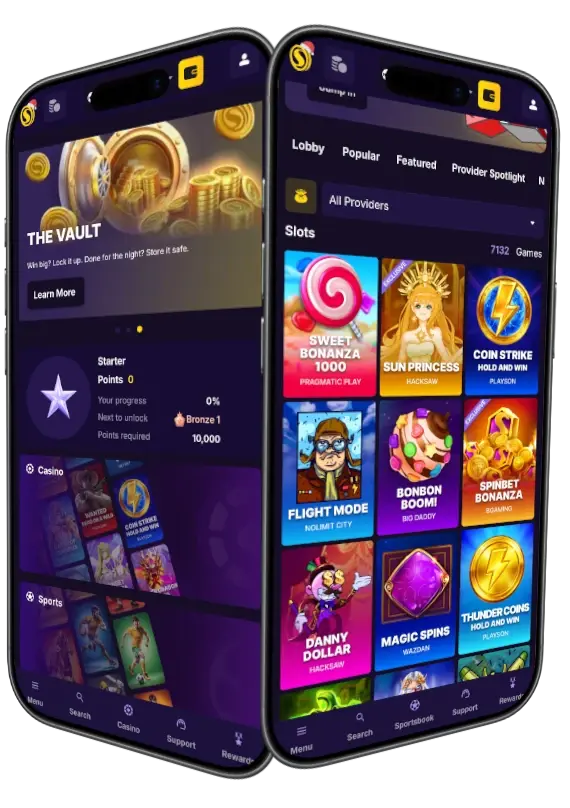
Our casino is mobile-friendly and features a SpinBet app that players can install via the web browser on Android and iOS devices. It’s a PWA version that includes push notifications and provides access to over 8000 games. The installation requires three steps and can be completed within minutes. Once done, a user can create a new account or log in to the existing one using the Spin Bet Casino app and claim a bonus. We have prepared up to NZD 6000 + 100 free spins welcome pack for all New Zealanders.
SpinBet Mobile: How to Use
To use our software, install it via the web browser and click the icon that appears on the home screen to load the mobile version. Now, you can sign in to the existing account. Customers without a profile can register using the casino Spin Bet app. Click the Sign Up button and follow the instructions.
Once access to a profile is acquired, a user has two options. One of them is to load a game in free mode and practise. The second one is to deposit using cryptocurrencies, bank cards or eWallets and play with real money. The minimum deposit within the SpinBet Casino app is NZD 20, and we do not charge any fees.
Now you can check some of the popular games. Excellent examples are Sweet Bonanza Super Scatter by Pragmatic Play, Rain and Rion by Just Slots or Aviator by Spribe.
How to Install SpinBet App for Android: Step-by-Step Guide
You need an internet connection and a web browser to install the SpinBet Casino app and add its icon to the home screen. Follow these steps to get the job done in minutes.
- Launch the web browser and visit our casino.
- Click the three dots located at the top of the browser and open features.
- Locate and confirm “add to the home screen” to install.
The icon will become visible on the screen. Now you can launch the Spin Bet app and start playing casino games.
iOS Installation Guide: iPhone & iPad
iOS users can complete the process while using Safari or Chrome, and the process is almost identical. Anyway, just follow these steps.
- Use one of the web browsers to visit our casino.
- Click Share on your iPhone or iPad.
- Complete by clicking “add to the home screen” and installing it.
The SpinBet Casino app is now installed and ready for use. Although it can operate without internet access with certain limitations, you need to stay connected to enjoy the latest bonuses and games.
Compatible Devices for SpinBet NZ App
The software will work with older and newer devices without any compatibility issues. Overall, you can use it on smartphones, tablets and computers. However, each gadget has its own differences and offers unique Spin Bet app features.
| Device | OS | Best Use | Advantages |
|---|---|---|---|
| Smartphone | Android 8.0+/iOS 13+ | Fast gambling sessions | Push notifications and low data usage |
| Tablets | Android 8.0+ or iOS 13+ | Longer sessions. | Large screen and better live casino experience |
| PC/Mac | Windows 10/macOS 10.14+ | Full gambling session | Full access, wide screen and fast loading times |
Spin Bet App User Interface (UI) and Features
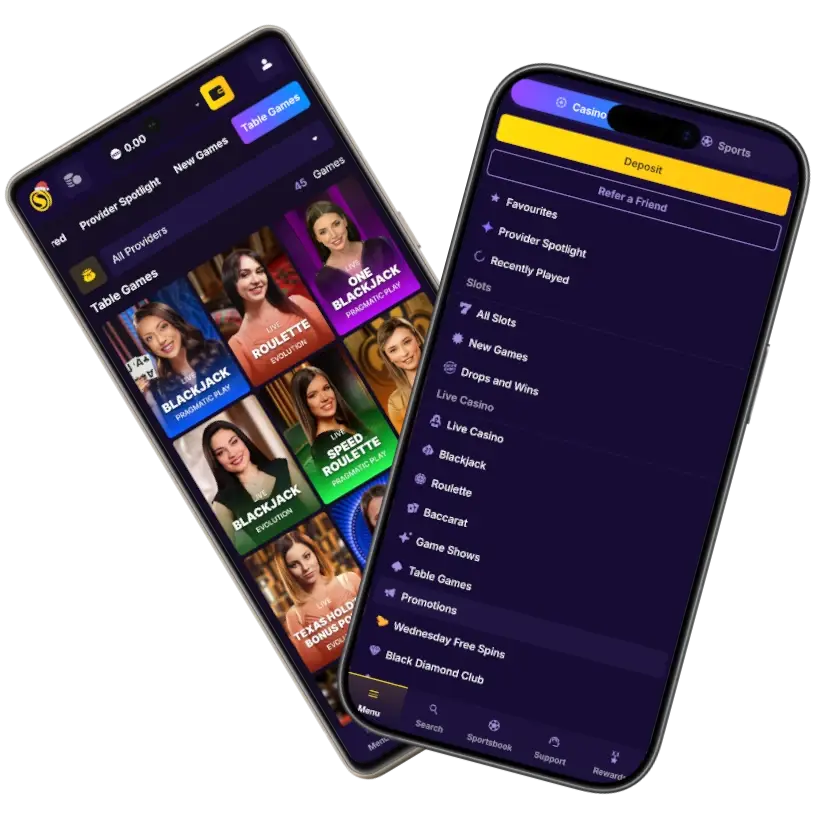
The SpinBet Casino mobile app features a UI similar to the website, with a dark purple colour scheme and yellow buttons, along with HD graphics and three main sections. At the top, you have buttons to create a profile or log in to an existing one. Here, you can also deposit funds, open account settings, and complete KYC verification.
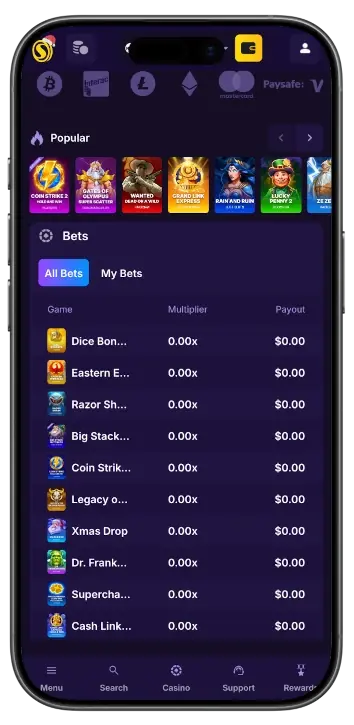
Keep in mind that the “rewards” page is in the same section of the SpinBet Casino app. From there, you can activate offers. Some examples are 25 free spins per week and refer-a-friend with a lifetime incentive.
The middle part is reserved for games. Here you can find Fire in the Hole 3, Sweet Bonanza, or explore categories such as new games, popular and real dealer options.
At the bottom of the SpinBet mobile app, you have a table with winners (identities are hidden) and useful links. You can also find our Tobique Gaming Commission licence with number 3-102-933364.
SpinBet Casino App Registration & Deposit Guide
We have implemented a simple and intuitive interface allowing newcomers to register and immediately deposit funds while activating the welcome bonus of NZD 6,000 + 100 free spins within the SpinBet Casino mobile app. Follow these steps:
- Click the Spin Bet icon from the home screen to launch.
- Open the registration form and enter the required information.
- Once the deposit portal opens, choose the method and amount.
- Opt in to receive the bonus.
- Explore the games and load one you like.
The Casino SpinBet app allows you to complete the verification. Go to Profile Settings and select Verification. Submit the required document images and wait for KYC to complete. It usually takes a few minutes. We accept only players aged 18 or older from New Zealand. Underage gambling is prohibited.
Top Benefits of Mobile Version
The main advantages of this method are the ability to play in the SpinBet Casino app wherever you are and on any device, and to claim the latest bonuses. But there are a few more advantages, such as:
- Push notifications let you receive promo codes when we post new games and other updates in real time.
- The offline mode uses cached data to enable certain functions, such as exploring games or playing some of them.
- No need to Spin Bet App Download as the PWA takes almost no storage on your device.
- Gamblers can enjoy virtual and live dealer games, including Casino Hold’em, Instant Roulette and more.
Promos & Free Spins
Welcome pack, weekly offers and one-time deals are available for mobile users. These provide additional funds and often free spins you can use to get even more funds for gambling via the SpinBet Casino mobile. The following table shows the available incentives.
| Name | Offer | Wagering Requirements |
|---|---|---|
| Welcome pack | Up to NZD 6,000 + 100 FS | 40x |
| Free spins | 25 FS per week | 40x |
| Refer-a-friend | NZD 75 + regular cash | 40x |
| One-time deals | Reload, free spins, etc. | Varies |
Most of the time, there is no need to enter a promotional code to activate a bonus. But thanks to Spin Bet app push notifications, we might send you a personalised deal with the code. Enter it in the “Rewards” section and get even more funds to play with.
SpinBet App Security & Data Privacy
Our software uses the latest security systems and technologies to protect NZ players by encrypting their data and securing personal information. First, SSL encryption is always used when you visit our casino. The Spin Bet mobile encrypts the data transmitted between the phone and the servers, making it impossible for anyone to intercept it.
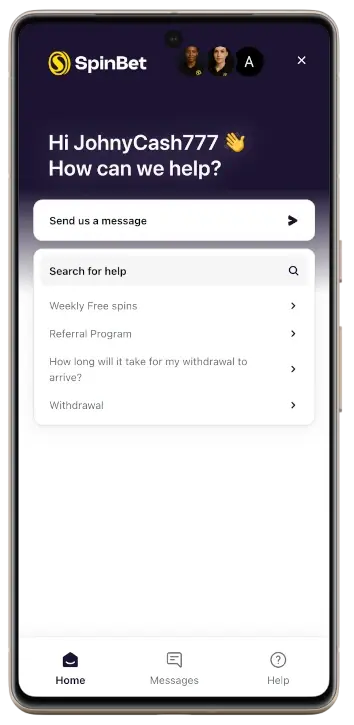
The software works in an isolated mode. This means that it has no access to the private files or details stored on your smartphone/tablet.
Automatic updates are implemented whenever the website updates. There’s no need to check for new versions or install them manually. Additionally, the SpinBet NZ app uses re-authentication and session timeout. HTTPS is always used, and the software includes server-side verification of accounts and payments.
We never share players’ data with third parties and guarantee anonymity if you win. Gamblers have the right to ask for data removal if needed.


